


Connect with us
contact@neuroflares.com


May 9, 2026
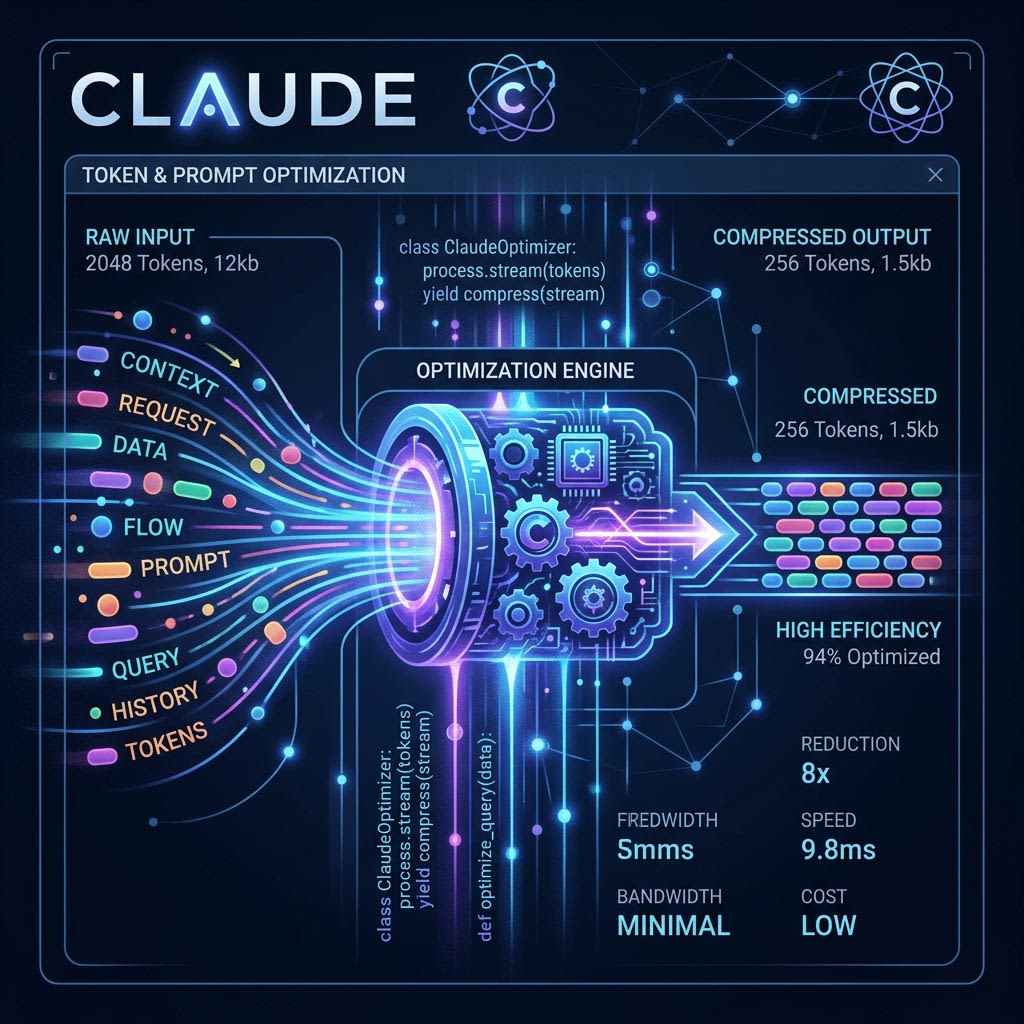
Claude is one of the most capable AI models available for software development today - capable of writing code, reviewing architecture decisions, generating tests, and debugging complex issues. But like any API-based AI tool, usage is metered by tokens: every character you send and receive has a cost. Understanding how tokens work and applying deliberate optimization strategies can dramatically reduce your development costs without sacrificing quality.
Whether you are a solo developer experimenting with Claude in your workflow or an engineering team running Claude at scale in production pipelines, the principles in this guide will help you use the model more efficiently, faster, and more affordably.
Before optimizing, it helps to understand what a token is. Claude (like other large language models) does not process text character by character - it processes chunks of text called tokens. On average, 1 token ≈ 4 characters or roughly 0.75 words in English. A sentence like "Write a React component that fetches data" is about 9 tokens. A full file with hundreds of lines of code can be thousands of tokens. Claude's pricing is typically based on input tokens (what you send) and output tokens (what Claude generates), and both sides of the conversation count.
The single biggest opportunity for token savings is in your prompt design. Vague, lengthy, or over-explained prompts consume tokens without improving the quality of the response. Instead of: "I am working on a project and I have a function that is supposed to do X but it seems like there might be a bug somewhere in the logic and I was wondering if you could help me take a look at it and maybe suggest what might be wrong" - write: "Debug this function. It should return X but returns Y." The second version communicates the same need in a fraction of the tokens.
A common mistake is pasting entire files into Claude when only a portion is relevant. If you have a 500-line file but your question concerns a single 20-line function, only share that function. If Claude needs broader context, you can summarize the rest: "This is part of a React app using Redux. Here is the slice causing the issue:" followed by just the relevant slice.
For architecture or debugging questions, provide a high-level summary of the surrounding code structure rather than the full source. Claude is very good at working from accurate summaries. The key is accuracy - a precise 50-word description of your codebase is far more token-efficient than 500 lines of tangentially related code.
If you are building an application that calls Claude repeatedly - a coding assistant, a documentation generator, a code review bot - use the system prompt to set permanent context once rather than repeating it in every user message. Define your tech stack, coding standards, tone, and constraints in the system prompt. Then each subsequent user message can be brief and task-specific.
This approach also improves consistency: Claude's behavior and output format remain predictable across sessions, reducing the need for follow-up corrections.
Code contains a lot of whitespace, comments, and boilerplate that may not be necessary for Claude to understand the intent. Before sending code to Claude, consider: removing excessive blank lines and inline comments that don't add context, stripping out import statements when they are not relevant to the question, and using abbreviated variable names in throwaway examples rather than long descriptive names.
For example, if you want Claude to help you optimize a sorting algorithm, you do not need to include the full file with all its imports, class definitions, and unrelated methods - just the function itself, stripped clean.
By default, Claude tends to be thorough - it explains its reasoning, provides alternatives, and adds helpful context. For production pipelines where you only need the output, instruct Claude to be concise. Add directives like: "Respond with only the updated code, no explanations", "Output only the JSON object", or "Give me just the function, no preamble or summary."
Output token savings are just as valuable as input savings. A response that would normally be 600 tokens can often be reduced to 150 if you are explicit that you only need the code.
It might seem counterintuitive, but breaking a large task into smaller, focused calls is often more token-efficient than one massive prompt. When you send a large prompt asking Claude to "review this entire module, refactor the data layer, add tests, and write documentation", Claude has to process all that context together and generate a very long response. Each part of the response carries the full weight of the context.
Alternatively, making four targeted calls - each with only the relevant snippet and a focused question - keeps each call lean. It also makes it easier to catch errors early, since you are validating each step before building on it.
If you are building a tool or automation pipeline, implement caching for common queries. If Claude is frequently asked to explain the same concept, generate a boilerplate config, or produce a standard code template, store the first result and serve it for identical or near-identical requests without making a new API call.
Claude also supports "prompt caching" directly in the API through cache_control parameters, which allows frequently reused portions of the prompt (like a large document, a long system prompt, or a shared codebase context) to be cached at the infrastructure level. This can reduce costs significantly for applications where the same context is sent repeatedly.
Anthropic offers multiple Claude models at different capability and price tiers. Claude Haiku is extremely fast and inexpensive - ideal for simple tasks like reformatting, basic code generation, or quick Q&A. Claude Sonnet strikes a balance between capability and cost, handling most development tasks well. Claude Opus is the most powerful and is best reserved for genuinely complex reasoning, architecture decisions, or nuanced debugging.
A smart routing strategy uses the cheapest model that can reliably accomplish the task. Generating boilerplate? Use Haiku. Debugging a complex async race condition? Use Sonnet or Opus. Mixing models based on task complexity is one of the highest-leverage optimizations available.
You cannot optimize what you do not measure. Anthropic's API response includes token usage metadata with every call (input_tokens and output_tokens). Log these values alongside each call type in your application. Over time, patterns will emerge: which types of prompts are token-heavy, which user actions trigger expensive completions, and where your system prompt is bloated.
When you need structured data from Claude - a list of issues, a JSON configuration, a table of options - explicitly request the output format. Claude will then skip the natural language framing and generate only the structured content. "Return a JSON array of objects with keys: name, severity, suggestion" will produce a leaner output than "Please review this code and tell me what issues you found, listing each one with its name, how severe it is, and what you would suggest."
At NeuroFlares, we integrate Claude into several internal tools - from automated code review pipelines to client-facing documentation generation systems. By applying these principles systematically, we have achieved significant reductions in token consumption without any degradation in output quality. The strategies that delivered the most savings for us were: using concise system prompts, routing tasks to the appropriate model tier, and implementing prompt caching for repeated high-context operations.
These optimizations are not just about cost - they also reduce latency. Smaller, leaner prompts get processed faster, which directly improves the developer experience in interactive tooling.
Token optimization with Claude is both an art and an engineering discipline. By being intentional about what you send, how you phrase your requests, which model you choose, and how you handle responses, you can make Claude an even more powerful and affordable partner in your development workflow. The investment in prompt engineering pays dividends at every scale - from a solo developer's side project to a production AI pipeline serving thousands of users.
Exploring this technology for your next project?
NeuroFlares specialises in building cutting-edge software solutions powered by the latest innovations. Let us turn your ideas into reality.
Let's work together.


2915 Ogletown Road, Newark, DE 19713, USA

213, G-Block, V.V.C.E, Gokulam, Mysore 570002, India
Connect with us
contact@neuroflares.com