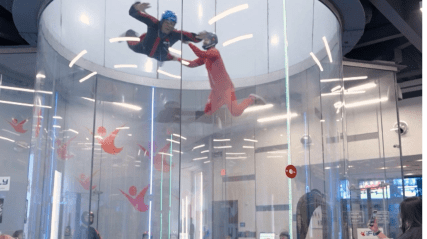
We developed a two-part system: an immersive Oculus Quest application featuring high-fidelity 360-degree flight environments, and an Android operator app that communicates with the headsets over a local network. Operators can push commands to one or multiple headsets simultaneously, set session timers, and monitor the status of each device from a central dashboard.
Immersive VR Flight Experiences
The Oculus Quest application renders breathtaking 360-degree flight environments in real time, from soaring over mountain ranges to flying through futuristic cityscapes. Unity's HDRP pipeline ensures photorealistic lighting and visual fidelity that maximizes presence and immersion for players.
Real-Time Control via Android
The companion Android app connects to all headsets on the venue's local network. Operators can issue play, pause, stop, and volume commands to individual headsets or broadcast to all simultaneously. A live status panel shows battery level, session elapsed time, and the name of the currently playing experience for each device.
Customizable Play Duration
Operators can configure the default session length per experience or set a custom duration for individual players. When a session nears its end, the player receives an in-headset countdown notification, allowing for a natural and graceful exit without abrupt cutoffs.
Device Integration & Reliability
The system uses a lightweight WebSocket server to maintain persistent connections between the Android app and all paired headsets. Automatic reconnection logic handles network drops seamlessly, ensuring operational continuity even in busy venue environments.